Your marketing emails now have two readers. The first is the subscriber who may or may not open the email. The second is the AI that reads the email before the subscriber ever sees it. In Apple Mail, an AI-written summary can appear under the subject line in place of the preheader. In Gmail, Gemini can condense a long thread into key points the moment the thread opens. In Outlook, Copilot can summarize the thread at the top of the reading pane. Learning how to write emails for AI inboxes means learning to write copy that stays accurate and persuasive after an AI has retold it in two sentences.
This guide explains what an AI inbox is, how Gmail Gemini summarizes emails, how Apple Mail summaries work, how Outlook Copilot handles threads, whether AI summaries hurt open rates and clicks, and the practical rules that keep the message intact when an AI rewrites it. Email remains the highest-return channel in the mix, which is why our guide on why email marketing still wins pairs well with the copy habits below.
What Is an AI Inbox
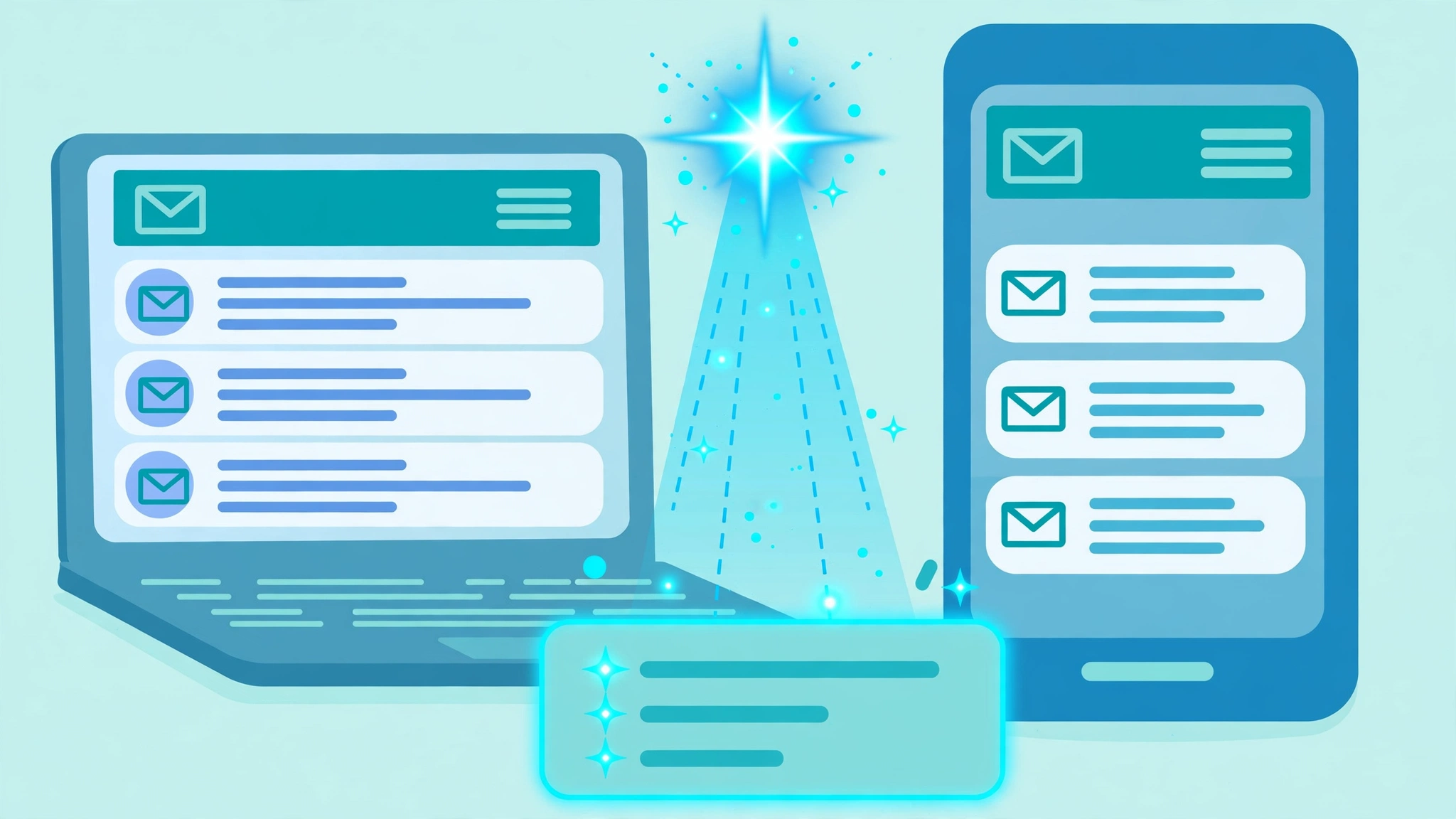
An AI inbox is a mailbox where artificial intelligence reads incoming mail and reshapes how the reader meets it. The AI can summarize a message into one or two sentences, pull the key points from a long thread, answer a natural-language question about the inbox, or rank messages by priority. The change matters for marketers because the first contact with the email may be with the AI interpretation of the email, not with the email itself. If the summary is accurate and surfaces the right detail, it can earn the open. If the summary flattens the message or picks the wrong detail, the reader may dismiss the email on the basis of a retelling that misses the point.
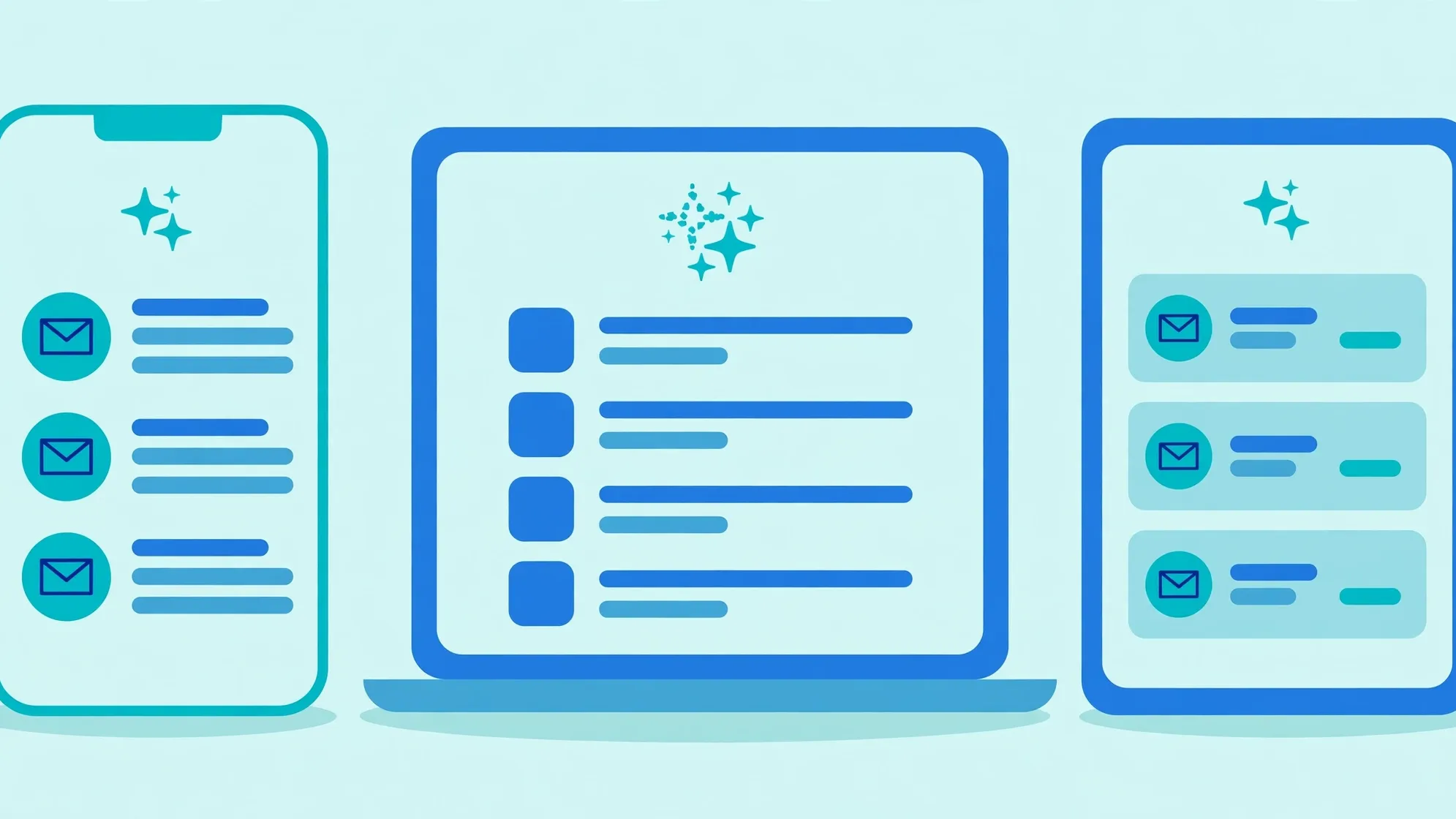
The three inboxes that matter most run three different versions of the idea. Apple Mail generates summaries before the open, directly in the inbox list. Gmail generates summaries after the open, inside the thread, and adds structured promotion cards in the Promotions tab. Outlook generates summaries on request, through a Copilot button at the top of the thread. The sections below take each one in turn, because writing emails for AI inboxes starts with knowing which AI does what, and when.
How Does Gmail Gemini Summarize Emails
Google has turned Gmail into what the company calls a personal, proactive inbox assistant, powered by Gemini. The Gmail help center lists the Gemini features now available, and several of them touch marketing email directly. Understanding each one shows where the summary can meet the campaign.
AI Overview conversation summaries
When a reader opens a long thread, Gmail can show an AI Overview that summarizes the conversation with key points and replies. For a marketer, this matters most for sequences: welcome series, onboarding flows, and long nurture threads where the subscriber returns to earlier messages. If the thread has one clear purpose and the key facts sit near the top of each message, the overview retells the story correctly. If the thread wanders across five topics, the overview has to choose, and the choice may not be the offer.
Ask Gemini and the summarize and draft tools
Readers can ask Gemini in Gmail to summarize, draft, and suggest responses to emails, and the assistant can list action items or find details such as flight times and package tracking. In practice this means a subscriber can ask what a promotional email is offering without reading it. The marketer cannot control the question, but can control the answer by making the offer, the deadline, and the call to action impossible to miss. Put the facts where the AI looks first: the opening lines and the visible call to action.
The AI Inbox and Gmail search
Two more features shape visibility. The AI Inbox reviews top priorities and topics so the reader can catch up on the inbox, which means engagement history feeds what the reader sees first. AI Overview in Gmail search generates a concise summary or answer above search results when the reader asks a natural-language question. Both reward the same habits: clear intent, genuine engagement, and copy that states its purpose.
Gmail promotions annotations: the structured alternative
Gmail also offers a way to control what shows before the open, and it does not rely on AI interpretation at all. Email annotations let marketers add structured data to promotional email so Gmail can display a deal badge, a product carousel, or a single image preview in the Promotions tab. The Google developer documentation on email annotations explains the formats: product carousels with up to ten image previews, single image previews, deal annotations, and deal cards. Deal annotations use a DiscountOffer object with fields for the description, the discount code, and the start and end dates, and the badge can appear next to the subject line calling out the offer details. Users can click the annotated text or image to learn more about the promotion without opening the email. For teams asking how to rank in AI email summaries, the honest answer for Gmail is that the controllable surface is structured markup: give Gmail explicit fields for the image, the headline, the discount details, and the expiry, and the inbox shows the offer as intended. The promotions reference for DiscountOffer and PromotionCard lists every field available.

Does Apple Mail Summarize Emails
Yes, and Apple Mail is the inbox where summaries change the marketer workflow most. With Apple Intelligence turned on, Mail shows short AI-written summaries under each email in the inbox, which replaces the preview text the marketer wrote. The reader meets the subject line plus an AI retelling of the body, before any open. This is the single biggest reason to learn email copywriting for AI: on a large share of iPhones, the carefully crafted preheader never appears.
Summarize Message Previews
The feature is called Summarize Message Previews. When Apple Intelligence is on, summaries appear automatically under emails in the inbox. Apple documents the Mail summary settings: on a Mac the control sits in Mail, then Settings, then Viewing; on an iPhone it sits in Settings, then Apps, then Mail. The same page confirms that a Summarize button also appears at the top of an open email, generating a digest of the message on demand. Two facts follow for marketers. First, the summary is automatic and on by default wherever Apple Intelligence runs, so a large share of Apple Mail readers will see the AI version. Second, the marketer cannot turn it off or opt out; only the reader can, by disabling the setting. The copy has to survive the summary, because the summary is not going away.
Priority Messages
Apple Mail also runs Priority Messages, which pulls emails Apple Intelligence judges to be time-sensitive, such as a same-day invitation or a boarding pass, to the top of the inbox. For marketers this is a secondary lever: genuinely time-bound emails with clear dates can earn the priority slot, but manufactured urgency does not fool the classifier. Keep the real deadlines real.
Device, language, and region limits
Summaries do not reach every reader. Apple Intelligence requires a supported device, such as recent iPhones and Apple silicon Macs, and availability varies by language and region. That means the audience splits: some readers see the AI summary, others see the classic first-lines preview. The practical response is to write the opening of the email so it works in both cases: the first two sentences should carry the offer as the preview text, and as the raw material the AI summarizes.
How Does Outlook Copilot Summarize Email Threads
Outlook takes a third approach: the summary appears when the reader asks for it. Microsoft describes the Summary by Copilot button at the top of an email thread. When the reader selects it, Copilot scans the thread for key points and places the summary at the top of the email. The summary can include numbered citations, and selecting a citation jumps to the corresponding email in the thread. In newer Outlook versions, attachments such as PDF, PowerPoint, and Word files can also be summarized. Because the summary is post-open and on request, it does not change the entry point the way Apple summaries do. It does change what happens inside a long thread: the subscriber may read the Copilot version instead of scrolling. The same rule applies as everywhere else: one clear message per thread, key facts up top, and the summary retells the right story.
How the Three AI Inboxes Compare
The table below puts the differences side by side. The details decide where each copy tactic matters.
| Inbox | Where the summary appears | What it replaces | When it shows | What the marketer controls |
|---|---|---|---|---|
| Apple Mail | Under the subject line in the inbox list | The preheader and first-lines preview | Automatically, before the open, when Apple Intelligence is on | None; write a summary-proof opening |
| Gmail | Inside the thread as an AI Overview; in the Promotions tab as annotated cards | Nothing before the open; the summary sits after the open | After the open, or on request through Ask Gemini | Structured annotations for promotions; clear facts for summaries |
| Outlook | At the top of the thread in the reading pane | Nothing; the thread stays intact below | On request through Summary by Copilot | None; keep threads focused and factual |
Will AI Summaries Hurt Email Open Rates and Clicks
The honest answer is that it depends on which metric the team watches. Open rates can look stable or even rise, because the inbox may open a message to generate a summary. Clicks are the metric under pressure: when the summary answers the question, the subscriber has no reason to open or click. Industry coverage following the rollout has described click-through rates slipping as subscribers take key facts from AI previews without visiting the landing page. The mechanism is easy to see: a summary that says the discount ends Sunday with the code included has done the job of the email, and the click never happens.
The right response is not panic but measurement. Judge the email by the revenue it produces, not by the opens it collects. Track clicks, conversions, and revenue per send by client segment: Apple Mail readers versus Gmail readers versus Outlook readers. If the Apple Mail segment shows strong opens but weak clicks, the summaries may be answering the email too well, and the copy needs a reason to open that the summary cannot give, such as a personalized recommendation, a limited choice, or content that only makes sense inside the email. Teams that already run tight AI email personalization have an advantage here, because a summary of a generic blast is easy to skip, while a summary of a message that speaks to the reader still pulls.
How to Write Emails That Survive AI Summaries: 7 Rules
The rules below work across all three inboxes. None of them require new tools. All of them make the email easier for a human to skim, which is why they also make the email easier for an AI to summarize correctly.
1. Put the point in the first two sentences
The opening lines are the raw material for the summary. Apple Mail may show an AI retelling of the opening; Gmail and Outlook quote the key points from it. Start with the offer, the news, or the ask, in plain words. Save the story, the brand voice, and the humor for later in the email, after the summary has already formed.
2. Give every email one clear message
AI summaries struggle with unclear emails, not with long ones. An email with three offers, two announcements, and a survey forces the AI to choose what matters, and the choice may bury the real goal. One primary message per email, one primary call to action, and a subject line that matches the content. This is basic email hygiene, and the AI era only raises the stakes.
3. Front-load the facts a summary extracts
Summaries are fact machines. They pull the discount, the deadline, the date, the code, and the action. Write those facts in complete, simple sentences near the top: what the offer is, when it ends, what code to use, where to click. Do not hide the code in an image, because image-only details can vanish from a text summary. Do not split the facts across the email, because a two-sentence summary keeps only what sits together.
4. Keep the key lines plain; keep the voice in the body
AI operates on facts and tends to strip tone. Wordplay, irony, and slow-burn storytelling can collapse into a flat retelling that misses the intent. This does not mean writing robotic emails. It means putting the plain version of the message first and the personality second: lead with the plain offer, then bring the brand voice into the story below.
5. Structure for skimming
Short paragraphs, clear subheadings, and a visible call to action help both humans and AI. A summary reads the structure of an email the way a skim reader does: headings signal what matters, the first sentence of each section carries the point, and the call to action names the next step. Dense walls of text give the AI more room to misread.
6. Keep the preheader, and write it for the Apple case
The preheader still matters. Gmail and Outlook show it in the inbox view, and Apple Mail readers with summaries turned off see the classic preview. But write the preheader knowing Apple may replace it: repeat the core fact from the opening line rather than writing a teaser that only works next to the subject line. A preheader that states the discount and the deadline survives replacement. A preheader built on curiosity does not, because the AI will simply write its own version.
7. Add structured annotations for Gmail promotions
For promotional email, annotations are the closest thing to controlling the AI-era inbox. Adding the DiscountOffer markup puts the deal badge, the code, and the expiry next to the subject line in the Promotions tab, exactly as intended. The work sits in the email HTML head, and most major email platforms either support the markup or accept custom code. Pair annotations with clean list hygiene, because Gmail still decides placement on sender reputation. Our bulk sender requirements checklist covers the authentication and complaint-rate side of that equation.
Write the first 40 words as if they were the whole email. On a growing share of Apple devices, they are.
What About Email Subject Lines for AI Parsing
Subject lines still belong to the human first. No inbox replaces the subject line with an AI rewrite, so the craft of the subject line survives. What changes is the relationship between the subject line and the summary sitting under it. A subject line that promises one thing while the summary reveals another creates a mismatch the reader spots instantly, and trust drops. Keep subject lines specific, keep them matched to the content, and keep the curiosity honest. Teams testing email API services for programmatic sends should apply the same rule to triggered subjects: the summary exposes template mismatch fast.
Should the Copy Differ Between Gmail and Apple Mail
Mostly no, with two targeted adjustments. The core email stays the same: one message, facts first, plain key lines, clean structure. The adjustments sit at the edges. For Gmail promotional sends, add the annotations markup so the deal shows as structured data in the Promotions tab. For Apple Mail, treat the first line of the body as the real preheader, because the AI summary draws from it. Everything else, from the subject line to the call to action, can stay identical. Running two completely different copies doubles the testing burden for a gain the data rarely supports.
The AI-Inbox Pre-Send Checklist
Run this checklist before any campaign goes out. It takes minutes and catches the exact failures AI summaries expose.
| Check | Apple Mail | Gmail | Outlook |
|---|---|---|---|
| Opening line carries the offer | Yes, it feeds the summary | Yes, it feeds the AI Overview | Yes, Copilot quotes key points |
| One message per email | Yes | Yes | Yes |
| Preheader written as a fact, not a teaser | Yes, it may be replaced | Yes, it still shows | Yes, it still shows |
| Deal annotations added | Not applicable | Yes, for promotions | Not applicable |
| Key facts as live text, not images | Yes | Yes | Yes |
| Summary tested on a real client | iPhone or Mac with Apple Intelligence | Gmail with Gemini | Outlook with Copilot |
What AI Summaries Mean for Email Metrics
The metric stack needs a small reshuffle. Opens become a weaker signal, because an open may mean a human read the email or an AI generated a summary. Clicks, replies, and conversions become the real engagement signals, and Gmail AI already weighs engagement when it prioritizes the inbox. Segment reports by email client to see the split: compare Apple Mail, Gmail, and Outlook on click-to-open rate and revenue per send, not on opens alone. If one client lags on clicks while opens hold steady, the summary experience on that client needs attention, usually the opening copy.
The second shift is qualitative. Read the summaries the way subscribers do. Send test emails to seed addresses on each client and read what the AI writes. If the summary of a product launch reads like a shipping notification, the copy buried the news. Rewrite until the summary carries the message the campaign needs. This review takes ten minutes per campaign and catches the exact failure the metrics only hint at.
How to Test Emails Against AI Summaries Before Sending
Build the test into the existing QA pass. Send the campaign to test addresses, then open each one where its AI lives. Open the test in Apple Mail on a supported iPhone or Mac and read the summary line under the subject. Open it in Gmail and ask Gemini to summarize the thread, then compare the key points with the intended message. Open it in Outlook and select Summary by Copilot to see which points the summary keeps and which it drops. For each client, ask one question: does the summary carry the offer, the deadline, and the action? If any answer is no, move the missing fact higher in the email and test again. Also test the fallback: turn summaries off on the Apple test device and confirm the preheader and opening line still read well as classic preview text.
If the AI summary of the email would not make you open it, rewrite the opening until it would.
Conclusion
Emails for AI inboxes are not a new format. They are the same emails, written with a second reader in mind. The AI reader wants facts, in order, near the top. Give it one clear message, front-loaded facts as live text, and a structure that survives a two-sentence retelling, and the summary becomes an ally that sells the open instead of replacing it. For Gmail promotions, add the structured annotations that put the deal next to the subject line on purpose. Then measure what matters: clicks and conversions by client, not opens in aggregate. The inbox changed, and the teams that write for both readers keep the channel working.

Frequently Asked Questions About Emails for AI Inboxes
What is an AI inbox?
An AI inbox is a mailbox where artificial intelligence reads incoming mail and reshapes how the reader meets it. The AI can summarize a message into one or two sentences, pull the key points from a long thread, answer a natural-language question about the inbox, or rank messages by priority. The reader may meet the AI interpretation of the email before the email itself, which is why the summary has become a second headline for marketers.
How does Gmail Gemini summarize emails?
Gmail shows AI Overview conversation summaries with key points and replies when a reader opens a long thread. Readers can also ask Gemini in Gmail to summarize, draft, and suggest responses to emails, and the AI Inbox feature reviews top priorities so readers can catch up. AI Overview in Gmail search generates a concise summary above search results for natural-language questions. Availability varies by plan: Google AI Plus, Pro, or Ultra plans and eligible Workspace plans get the full set, while some features are limited to the United States for personal accounts without a paid plan.
Does Apple Mail summarize emails?
With Apple Intelligence turned on, Apple Mail shows short AI-written summaries under each email in the inbox through Summarize Message Previews, which replaces the preheader the marketer wrote. The control sits in Mail, then Settings, then Viewing on a Mac, and in Settings, then Apps, then Mail on an iPhone. A Summarize button at the top of an open email generates a digest on demand, and Priority Messages pulls time-sensitive emails to the top of the inbox. Marketers cannot opt out; only the reader can turn summaries off.
Will AI summaries hurt my email open rates?
Open rates can look stable or even rise, because the inbox may open a message to generate a summary. Clicks face the real pressure: when the summary answers the question, the subscriber has no reason to open or click. The fix is measurement by the metrics that matter. Track clicks, conversions, and revenue per send by client segment, and give readers a reason to open that a summary cannot give, such as a personalized recommendation or content that only works inside the email.
How do I write emails for AI summaries?
Put the point in the first two sentences, give every email one clear message, and front-load the facts a summary extracts: the offer, the deadline, the code, and the action, all as live text. Keep the key lines plain and save the brand voice for the body, structure the email for skimming, and write the preheader as a fact rather than a teaser. For Gmail promotions, add structured annotations so the deal badge shows next to the subject line as intended. Test the summary on a real client before sending.
Can I stop AI from summarizing my marketing emails?
No sender-side opt-out exists. Only the reader can disable summaries, for example through the Summarize Message Previews setting in Apple Mail, while Gmail summaries are reader-initiated tools inside the thread. The control a marketer has is the copy itself: write openings that summarize correctly, keep one message per email, and confirm on test devices that the AI retelling carries the offer, the deadline, and the call to action.